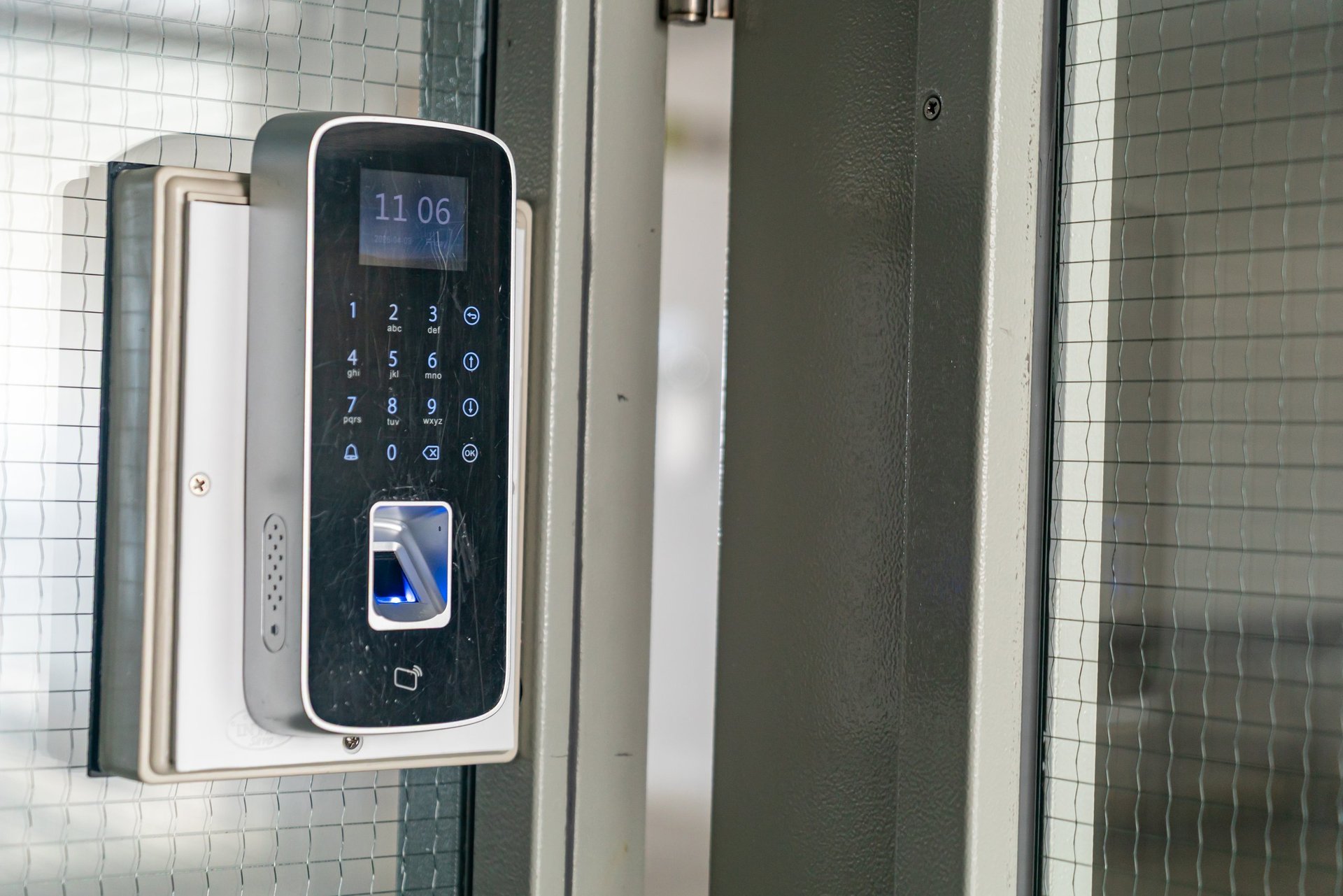
A close-up view of a modern digital door lock system featuring a keypad and fingerprint scanner

How Do You Upgrade an Old Access Control System?

Usually by migrating, not ripping out. Much of an old system's cost lives in its wiring and locking hardware, and both frequently survive an upgrade intact. What typically changes is the decision layer: readers, controllers and credentials, replaced with modern equivalents on the infrastructure you already paid for. The right sequence starts with an audit of what you have, not a quote for what someone wants to sell you.

The Signs It Is Time

Age alone is not the trigger. A ten-year-old system doing its job is a system doing its job. The real signs are operational: you cannot remove a leaver's access without an engineer visit. Nobody can pull a record of who went through a door. The software runs on one aging computer nobody dares restart. Replacement credentials cost silly money because the format is obsolete. Managing the system has quietly become someone's part-time job.

When the system starts costing you in workarounds, admin time and unmanageable risk, the upgrade conversation has already started whether you have scheduled it or not.

Migrate or Replace: How to Decide

The decision rests on the condition of two things: the wiring and the locking hardware. If the cabling is sound and the strikes and magnets on the doors are healthy, a migration keeps them and swaps the electronics above them, which is the cheaper and faster route by a distance. If the wiring is degraded, undocumented or was never right, or the locking hardware is at the end of its life, partial or full replacement becomes the honest recommendation.

This is exactly what a pre-quote audit establishes. We test what is on the doors and in the walls before proposing anything, because recommending a full replacement a migration would have served is not a quote, it is an upsell.

What Usually Survives an Upgrade

More than most owners expect. Cable runs are the expensive, disruptive part of any install, and sound cabling carries a modern system as happily as an old one. Locking hardware is electromechanical and largely generation-proof: a well-fitted strike or magnet does not care how modern the reader instructing it is. Power supplies are assessed case by case, and exit hardware stays wherever it passes testing.

What typically goes: the readers, because credential technology is where the biggest security gains live. The controller and software, because that is where the management pain lives. And the credentials themselves, which brings us to the part of the upgrade people underestimate.

The Credential Question

Old systems commonly run old credential formats, and the oldest proximity formats can be cloned with inexpensive equipment, which means a building's cards may be its weakest point rather than its locks. An upgrade is the natural moment to move to encrypted smart credentials or phone-based credentials, and the practical question is how to reissue everyone without a chaotic changeover.

The answer is dual-technology readers, which accept both the old format and the new during a transition window. Staff migrate in batches, nobody is locked out on day one, and the old format is switched off once the last credential is reissued. It turns the riskiest-feeling part of the upgrade into an administrative exercise.

Upgrading Without Downtime

No trading business can take its doors offline for a week, and none has to. Upgrades phase door by door: each opening is switched over and tested individually while the rest of the building runs as normal, with the highest-risk doors sequenced first and out-of-hours work used where a door genuinely cannot be interrupted.

The end state matters as much as the hardware: a system your own team can run, with a proper handover and a written guide for your setup. If your current system's defining feature is that nobody understands it, that is the single clearest thing an upgrade should fix.

Related Questions

Access Control Upgrade FAQs

Often, during a transition. Dual-technology readers accept an old format and a new one simultaneously, which lets you reissue credentials in batches rather than in one disruptive swap. Whether your specific format is supported is a hardware question we answer during the audit.

Frequently not. Sound existing cabling carries a modern system, and the wiring is one of the first things we test. Rewiring gets recommended when the cabling is degraded or was never adequate, not as a default.

Yes. Work phases door by door, with each opening switched and tested individually while the rest run as normal, and out-of-hours slots used for doors that cannot be interrupted. A full-building shutdown is almost never necessary.

It can be, particularly when one area carries most of the risk. A phased upgrade that modernizes the critical doors first and the rest over time is a legitimate strategy, provided the new platform is one the remaining doors can join later. That forward compatibility is one of the things we check before recommending it.

Find Out What Your System Can Become

Tell us what you are running and what is driving you mad about it. We will audit it free, tell you what survives and what should not, and quote the upgrade with clear pricing and no hidden fees.